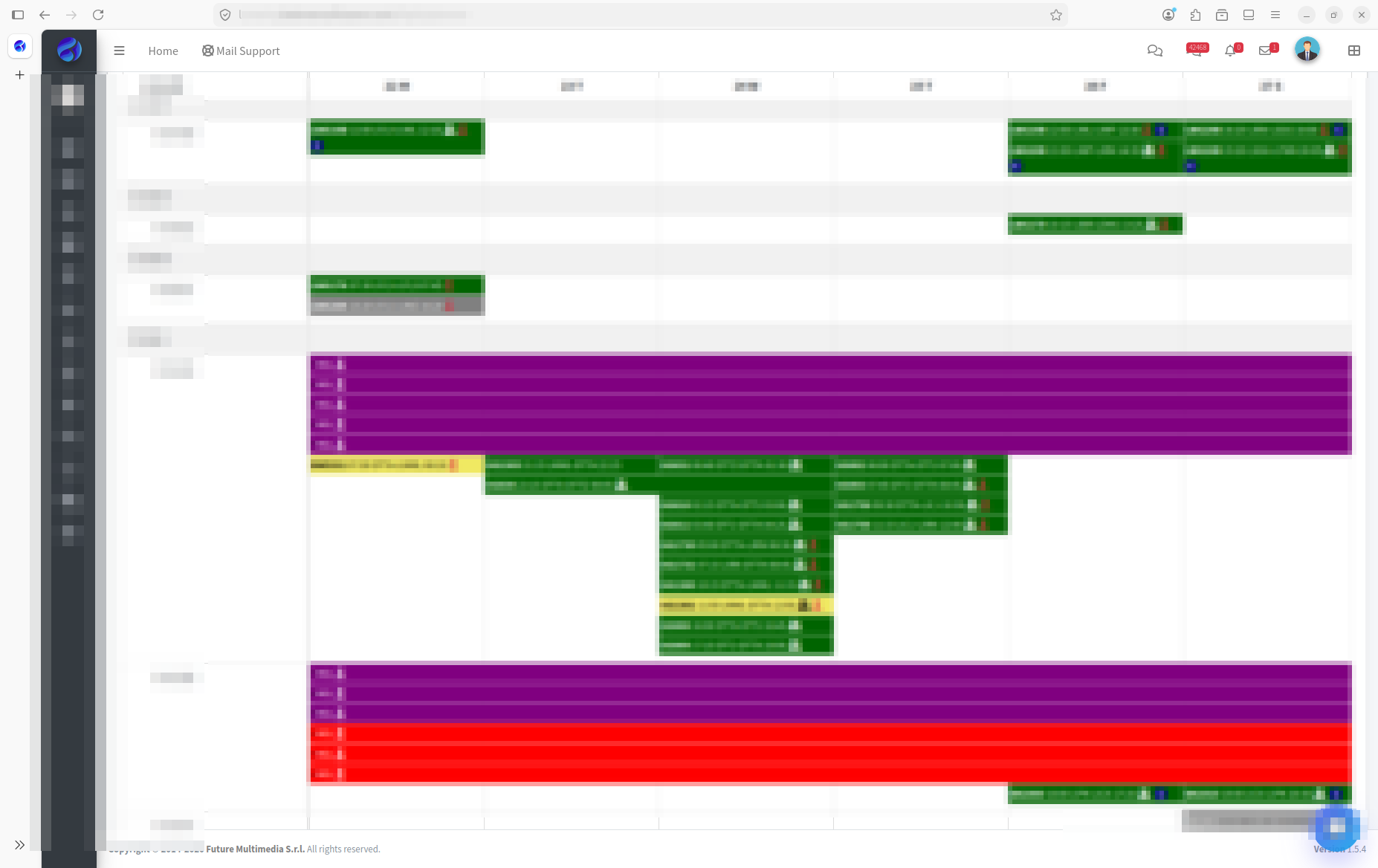
Create trips and flights, build scheduled rotations, track delays and every change — with fuel, handling, catering, hotels, transfers and checklists attached to the same flight.
In most small operators a flight exists in several versions at once: the one sales promised, the one in the ops spreadsheet, the one the crew received by WhatsApp and the one the handler was told about. Every change has to be repeated by hand, and sooner or later one copy is wrong.
In BXI the flight is a single record. Each department works on its own tab — passengers, crew, fuel, catering, hotels, handlers, transfers, flight watch, checklist, mail — and each tab has its own permissions.
Every change is versioned. You can compare two versions of a flight, see who changed what and when, and crews see the same change history in the BXI Mobile app.
A change made by sales on Friday evening reaches ops, crew and the handler without anyone re-typing it. The ops controller stops reconciling versions and starts managing exceptions.
Flight Planning is the backbone of BXI: Crew Scheduling assigns crew to its flights, Fuel and Handling attach services to them, the eATL pre-fills tech log pages from them, and the OCC Dashboard and reports read from them.